Breaks, rests and activity.
- Used extensions of daily driving to 10 hours and reduced daily rests.
- Current activity and its duration, plus available break and rest readings.
- Card status, vehicle details and speed, when provided in the reading.

Check your tachograph counters. Download your card via Bluetooth. Save and share your DDD file.
120 minutes of LIVE free then 34,99 zł including VAT / month
One account. Your times, files and analyses at hand.
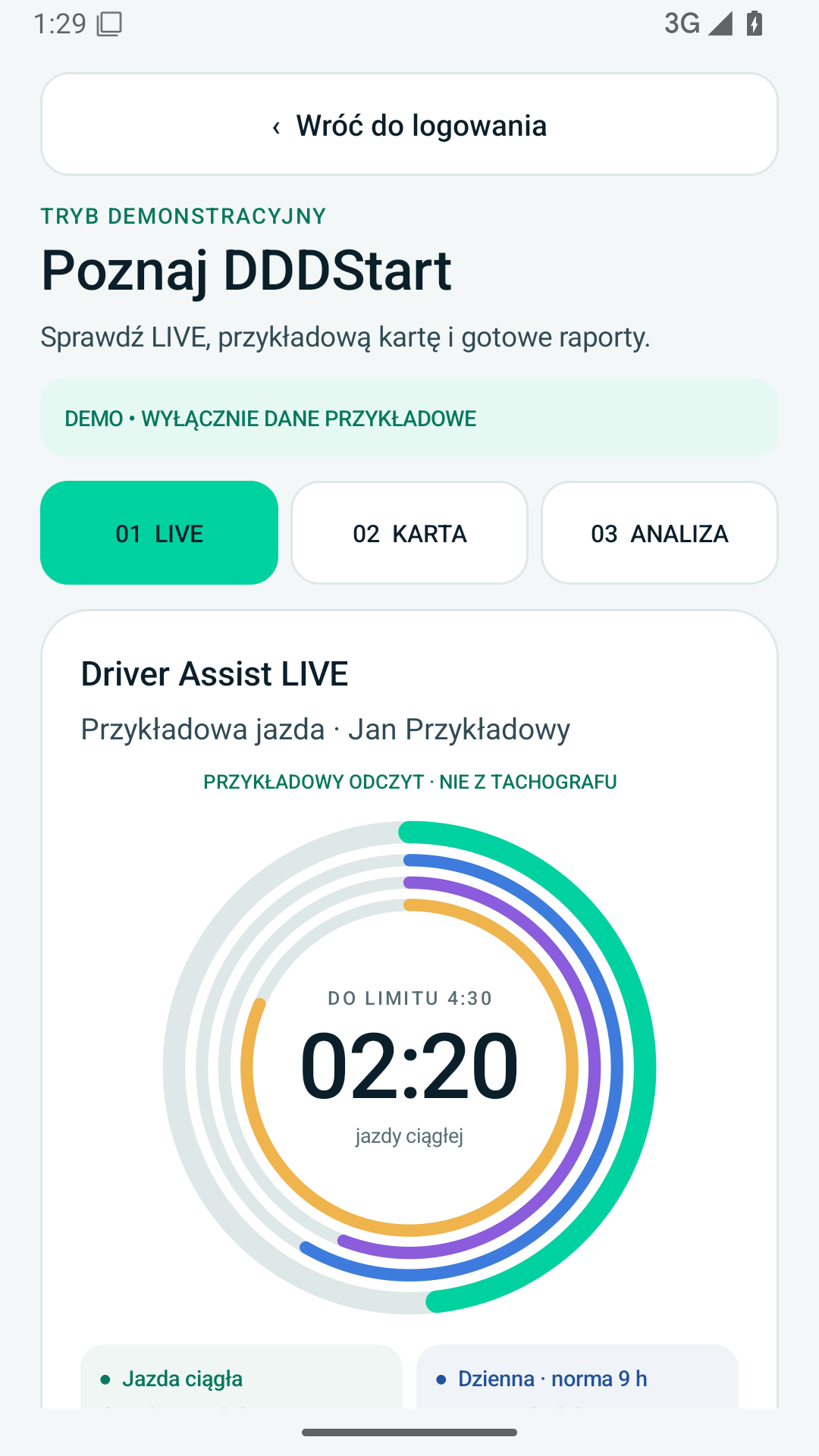
LIVE uses the ITS interface. You do not need to download your card before each reading.
Continuous, daily, weekly and fortnightly driving, based on the ITS readings available from your tachograph.
Check break and ongoing rest readings when your tachograph provides them.
See your use of 10-hour driving periods and reduced daily rests. The app indicates when data is missing.
A message appears when 15 minutes or less remain before the standard continuous driving limit.
Save a DDD file from the driver card inserted in a compatible tachograph.
Keep the downloaded file on your phone and send it using the system share function.
This is a separate online service. Upload a file, review activities and possible infringements, then save the result as a PDF.
Choose the remaining or used time view and arrange the tiles to suit you.
Driving time between required breaks.
Total driving in the current daily period.
Total driving time in the given week.
Total driving over two consecutive weeks.
Available readings depend on the tachograph, its firmware and consent to share data. LIVE uses ITS; detailed activity history is available in DDD file analysis.
Check connection settingsYou need a compatible G2V2 tachograph with built-in Bluetooth and suitable firmware.
This is the minimum required by DDDStart. Check the firmware version on your tachograph.
Where can I check the version?Check the model, enable Bluetooth and allow ITS data sharing as described in the instructions.
Stoneridge instructionsSet up the first connection while parked. We provide separate instructions for both brands.
Open the instructionsVDO: firmware 4140 or later. Stoneridge: Smart 2 model.
Prepare your driver card, enable Bluetooth and authorise data access.
Sign in to DDDStart. Check ITS readings or start downloading your card.
Choose your phone and check the available releases.
Monthly subscription34,99 zł including VAT / monthWith the subscription, a DDD file analysis costs 4,99 zł gross, in any quantity120 minutes of LIVE free to start
DDD analyses are bought separately; with the subscription at a lower price, with no packages.Already have a DDD file? Analyse it online without connecting to a tachograph or subscribing to the app.
Choose an analysis package